
AI · August 22, 2026
Claude agent tools go GA with browser use
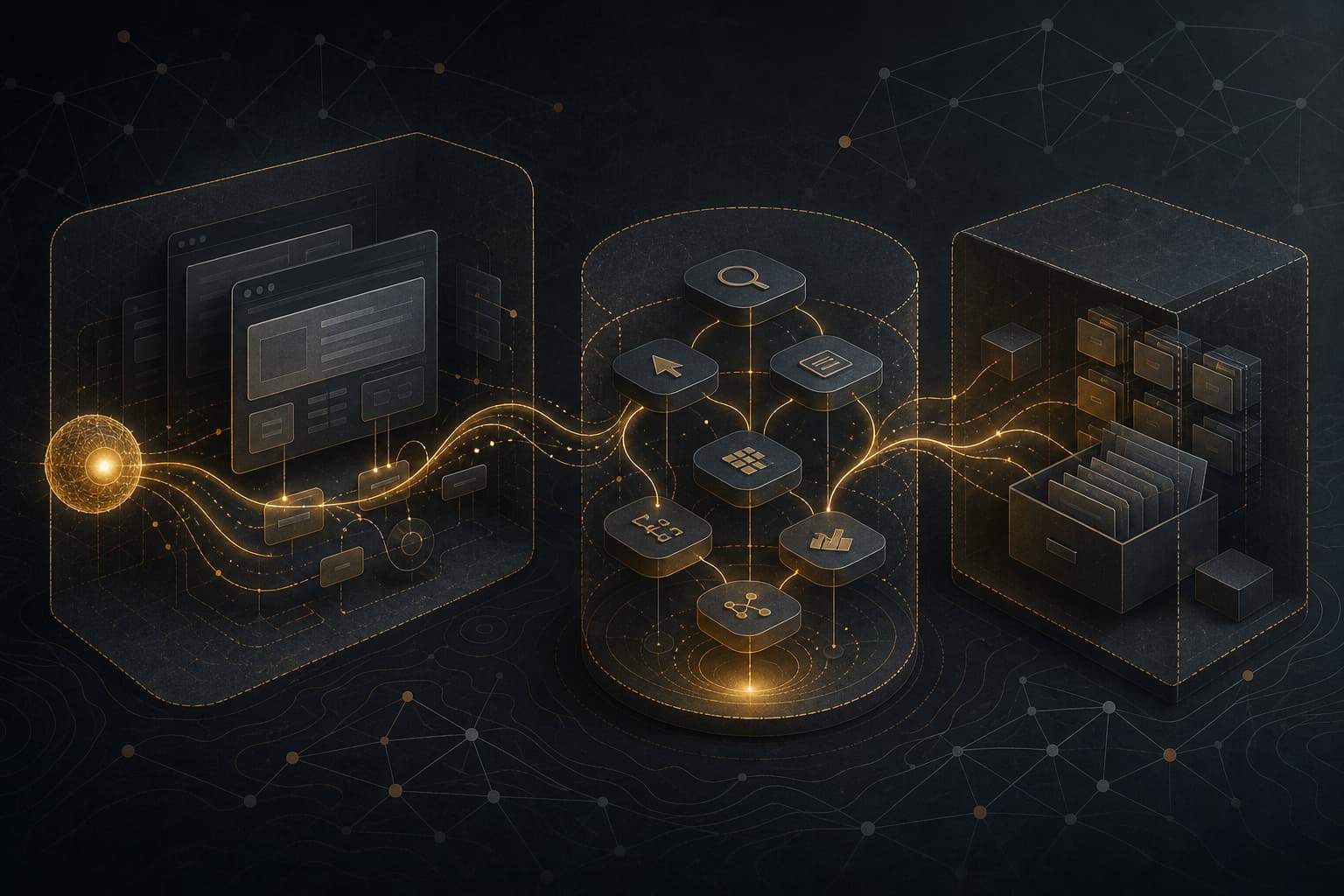
Anthropic made a practical agent-platform move on August 20, 2026: computer use, the Skills API, and the Files API are now generally available on the Claude Platform, and a new browser use tool shipped with them. This is not just a product-label change. For teams already testing Claude agents against real applications, it changes the stability assumptions around tool calls, reusable agent instructions, and file handling.
My read: this is worth paying attention to, but not because “agents are here.” The useful part is narrower and more engineering-shaped. Anthropic is settling a few APIs that production teams were already circling around: UI automation, browser automation, packaged skills, and reusable files. That also means the sloppy prototype patterns need to go away before these tools touch customer data, admin accounts, or workflows with external consequences.
What was confirmed
Anthropic’s announcement says computer use, the Skills API, and the Files API are generally available on the Claude Platform as of August 20, 2026. The same announcement introduces browser use, a tool for agents that operate inside web applications rather than across a full desktop.
The product split matters.
Computer use is for desktop-like environments. Claude sees screenshots and can request actions such as clicking, typing, scrolling, and taking screenshots. The current docs describe the GA client toolset as computer_toolset_20260801, available without a beta header. Anthropic also documents batch actions: Claude can return multiple tool-use blocks in one turn, and your application must execute them in order and return one matching result for each block.
Browser use is a better fit when the workflow is entirely inside a web page. The docs describe browser_toolset_20260801, also available without a beta header. Instead of relying only on screenshots and coordinates, browser use can work with page structure: accessibility tree, elements, forms, tabs, screenshots, and viewport coordinates. Your application still runs the browser automation environment. Anthropic is not running the browser for you.
Skills are the reusable instruction layer. The docs define Agent Skills as packaged instructions, metadata, and optional resources such as scripts or templates. In practice, that means a team can package a workflow once — say, how to produce a specific compliance packet, support response, claim review, or engineering runbook — and let Claude load it when relevant instead of pasting the same long prompt into every request.
The Files API is the storage layer. It lets you upload a file once, receive a file_id, reference that ID in later Messages API requests, and download outputs created by skills or code execution. Anthropic’s announcement says Files API GA adds automatic file expiration, higher rate limits, and up to 1 TB of storage per organization.
Independent coverage corroborated the core facts. AI Codex focused on the migration shape: beta headers are not the only concern; request and response handling changes need testing. Maetra’s August 21 analysis framed the same release as a governance problem: once agents can act in browsers, use reusable skills, and pass files between steps, the control surface expands.
The important implementation detail: batch tool calls
The first thing I would check in an existing computer-use prototype is the tool-result loop.
A lot of early agent code assumes one model turn means one tool call. That assumption was already weak with parallel tools; with computer-use batch actions it can become an outage generator. The current computer-use docs show that a response may contain multiple member tool calls in a single assistant message. Your executor has to run them sequentially, match each result to the correct tool_use_id, preserve the toolset_name, and return a result for every requested action.
If action two fails, you should not blindly run action three. Later actions may depend on earlier state: click a field, type text, then screenshot. If the click failed, typing may land in the wrong place. Anthropic’s docs describe stopping after the first failure and returning error results for the skipped actions so Claude can replan.
That is boring plumbing, but it is exactly where production agents usually fail. Not in the model demo. In the executor, retry path, partial failure handling, and logs.
Browser use is the more interesting tool
Computer use gets attention because it looks like a model using a machine. Browser use may be more useful for working engineers.
Most internal business workflows are browser workflows: CRMs, admin panels, ticketing systems, insurance portals, analytics consoles, vendor dashboards, cloud consoles, and ancient web apps with no clean API. Pixel-coordinate automation is fragile in those environments. A shifted button, responsive layout change, or modal popup can break the workflow.
Browser use gives the agent a better interface for web tasks. It can target page elements instead of guessing coordinates, set form values more directly, work with tabs, and read page structure. That does not make it safe by default. A web page is still untrusted input. But it is a better abstraction than pretending every web workflow is a remote desktop session.
The operational distinction is simple: if the task is inside a browser, test browser use first. Keep computer use for desktop applications, installers, OS-level flows, file managers, and cases where a browser-specific tool cannot see the work.
Skills need release management, not vibes
Skills are useful because they turn repeated prompt context into versioned operational assets. That is also why they need ownership.
A skill can contain instructions, scripts, templates, and reference material. That is code-adjacent. If a team creates a skill for “monthly finance close,” “SOC alert triage,” or “customer refund review,” it should have the same lifecycle basics as an internal library:
- a repository or controlled source of truth
- an owner
- a changelog
- review before production use
- a rollback path
- dependency review for scripts and templates
- tests or evals tied to real workflows
The failure mode is obvious: stale skills become policy drift. A bad skill can quietly encode an old procedure, unsafe shortcut, or over-broad instruction and then spread across many workflows because everyone likes the convenience.
Files API is convenient, but watch tenant boundaries
The Files API removes a common annoyance: repeatedly uploading the same PDF, spreadsheet, dataset, or generated output across requests. For internal tooling, that can simplify agent workflows and reduce request size.
But the docs include a security detail that should not be missed: uploaded files are scoped to the workspace, not automatically to your application’s end user, conversation, or session. Any API key in the same workspace can access files uploaded there. Anthropic explicitly warns not to accept file_id values from untrusted users.
For a single-tenant internal app, that may be manageable with server-side mapping and access checks. For a SaaS product or multi-tenant workflow, this becomes architecture. You need tenant isolation, file ownership mapping, expiry rules, deletion behavior, and logs that can reconstruct which user, workflow, model, skill version, and file IDs were involved.
Automatic expiration helps with cleanup. It is not a data-retention policy by itself.
What this changes in practice
If you are not using Claude agents today, this release does not force an urgent migration. It does, however, make the Claude Platform a more stable target for teams building browser and document workflows.
If you are already using the beta tools, make a short migration plan instead of flipping headers in place:
- Inventory every use of computer use, Skills API, and Files API beta headers.
- Add tests for multi-action tool responses before moving computer use to the GA toolset.
- Prefer browser use for web-only flows and compare reliability against coordinate-based computer use.
- Move Skills into source control and require review for production skills.
- Treat Skills as deployable artifacts: version, pin, test, and roll back.
- Add server-side file ownership checks; never trust a client-supplied
file_id. - Use separate workspaces where tenant isolation requires it.
- Require human approval before actions with legal, financial, security, or customer-impacting consequences.
- Log the action envelope: allowed domains, accounts, tools, skill versions, file IDs, approvals, and final outcomes.
- Run prompt-injection and malicious-page tests before allowing agents to operate against the open web.
This is where I would draw the line: GA is a signal that the API surface is more stable, not that your use case is safe. Browser agents can still click the wrong thing. Skills can still carry bad instructions. Files can still cross boundaries if your app maps them poorly.
The teams that benefit first will be the ones that already have workflow ownership, sandboxing, least-privilege credentials, and evals. Everyone else should keep these tools behind a lab flag until the surrounding engineering catches up.
Sources
- Anthropic: Build production agents with computer use, the Skills API, and the Files API
- Claude Platform docs: Computer use tool
- Claude Platform docs: Browser use tool
- Claude Platform docs: Agent Skills
- Claude Platform docs: Files API
- AI Codex: Computer use goes GA, and a new browser tool ships alongside it
- Maetra: Anthropic makes computer use, Skills API, and Files API generally available
Related Notes
AI · Aug 22, 2026
GPT-5.6 Sol gets a three-month API price cut
OpenAI cut Sol API pricing to $4 input/$20 output per 1M tokens until at least Nov. 21. Recheck agent and Codex cost models.
AI · Aug 22, 2026
OpenAI keeps ZDR for frontier API use
OpenAI’s frontier-model ZDR preview turns retention policy into an architecture decision for enterprise AI systems.